
The AI clipper for clipping campaigns
HookBounty's AI clipper turns a campaign's video into finished vertical clips. It reads the whole video, picks the moments that stand on their own, cuts each one on whole sentences and edits it in one of 7 styles, with captions, a hook title and b-roll. You change anything in the editor, post the clip on your own account and submit it on the campaign's page.
Anyone can try it for free, with a small HookBounty mark, no card.

What the AI does for each clip
The moments, found for you
The AI reads the whole video and ranks its moments, so you don't scrub three hours for thirty good seconds.
Edited in the look you pick
Captions, a hook title, b-roll and a zoom on the key word, in the style that fits the campaign. Captions stay clear of faces.
How to make clips for a campaign with AI
- Pick a campaign with budget left. Every live campaign is listed with its pay per 1,000 views, the budget left and the rules in plain words.
- Bring its video. Tap Make clips on the campaign's page, or open AI clips. Paste a YouTube link, a Google Drive or Dropbox link, or upload the video file (MP4, MOV, WEBM or MKV, up to 2 hours).
- Pick a style. 7 looks, from full-screen captions to a speaker-on-top split. Or pick Raw moments for just the moment, cut clean with no captions or effects, for 1 credit on Starter and Pro.
- Get the clips. The AI edits the best moments in that style, each one opening on its strongest line.
- Change anything. In the editor, move a cut, fix a caption, rewrite the title or swap a shot.
- Post and submit. Save the clip or share it from your phone, post it on your own TikTok, Reels or Shorts, then submit the link on the campaign's page. HookBounty doesn't post or submit for you.
The long version, with what to check before you post: How to make clips for clipping campaigns with AI.
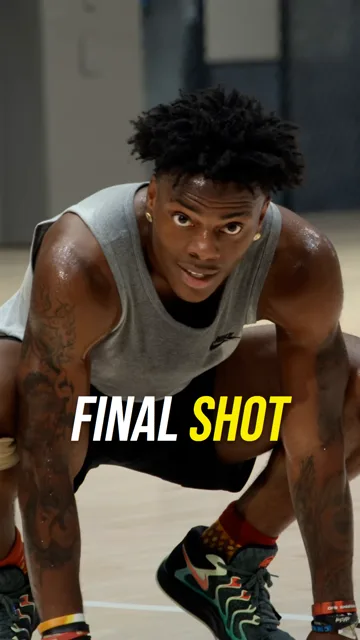
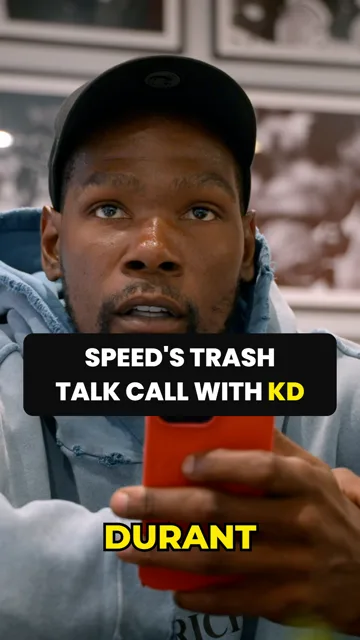
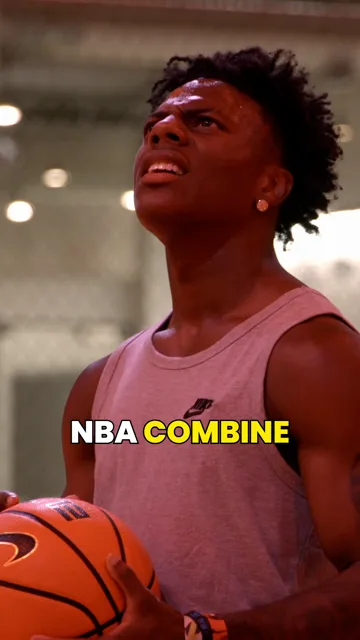
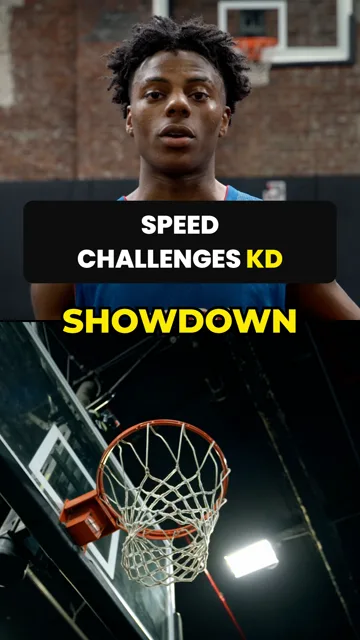
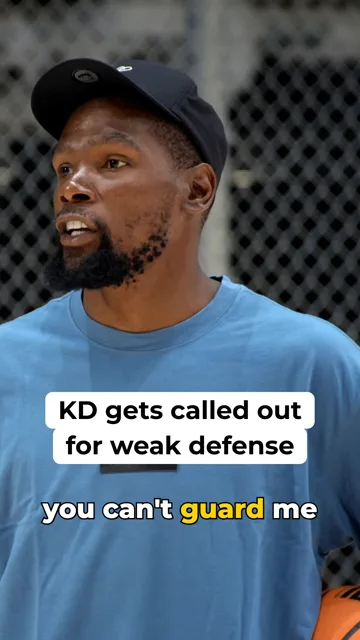
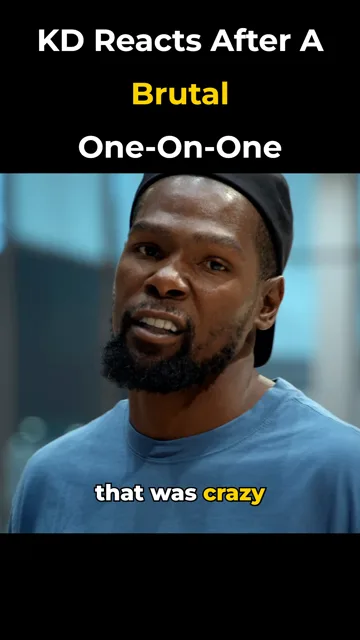
7 styles to pick from
Each one is a full edit, not a caption preset. Starter and Pro both have all 7.
Also: Stream.
Built for campaigns, not just for clips
Most AI clip makers are built for creators clipping their own videos. A clipping campaign is a different job: the clip has to follow someone else's brief and get approved before it pays. So HookBounty puts the campaign first.
- The campaign is right there. Every live campaign from Content Rewards, Clipster, Promote.fun, Vyro and more, with the rate, the cap, the budget left and the rules. A great clip earns nothing on a campaign that ran out of budget.
- The brief goes in with the video. Start from a campaign's page and the AI reads its brief while it picks and edits.
- Whole words, every cut. A clip that starts on half a word looks broken, and reviewers notice. Every cut sits in a measured pause.
- Viral clips to learn from. Where we've found them, a campaign shows the most-viewed clips of its creator, so you can see what already worked before you pick a moment. Campaigns and viral clips by creator.
What it won't do: post for you, submit for you, or promise views. Read the campaign's rules before you post; the AI follows the brief it's given, and the campaign decides what it approves.
Plans
Try it for free first, with a small HookBounty mark on the clips. Starter and Pro clips have no mark. Cancel anytime.
$19 a month
Starter. 150 credits a month (about 50 clips, up to 75) in all 7 styles, no HookBounty mark.
$29 a month
Pro. 300 credits a month (about 100 clips, up to 150) and footage from YouTube links in the editor, no HookBounty mark.
A credit pays for the work, not the length of your video: a finished clip uses 2, a raw moment 1, and finding moments 1 per 20 minutes of video. Edits are free, a failed clip gives its credits back, and unused credits carry over for a month. Full pricing.
Clipping GTA 6?
GTA 6 campaigns pay to clip streamers' playthroughs, split pools between clippers and pay for edits set to a song. The AI clipper fits the streamer campaigns: bring the stream's video and it picks the reactions and lines worth posting. How to make GTA 6 clips with AI walks through it, and GTA 6 clipping campaigns lists every one paying right now.
Questions
What is an AI clipper?
An AI clipper turns a long video, like a podcast episode or a stream, into short vertical clips for TikTok, Instagram Reels and YouTube Shorts. It finds the moments worth posting and edits them. HookBounty's is built for paid clipping campaigns: it works from a campaign's video and cuts every clip on whole sentences, so no clip starts or ends mid-word.
What makes an AI clipper good for clipping campaigns?
Campaigns pay for clips they approve, so the clip has to open on the strongest line, never cut a word in half, keep captions readable and follow the brief (tags, no ad reads, the creator on screen). HookBounty's AI clipper was built around those checks, next to a feed of every live campaign with its budget left. For other tools, our guide to the best AI clipping tools lists what each does and its real price, checked in November 2026.
Does it work for Content Rewards, Clipster and Whop campaigns?
Yes, for any campaign that pays to clip a video you can bring. Open the campaign on HookBounty and tap Make clips: the AI reads that campaign's brief while it picks and edits the moments. You still join and submit on the campaign's own platform, such as Content Rewards, Clipster, Promote.fun, Vyro or the campaign's Whop.
Do you post or submit the clips for me?
No. You save the clip, or share it to TikTok, Reels or Shorts from your phone, post it on your own account, then submit the post's link on the campaign's page so it counts.
What videos can I clip?
Paste a YouTube link, a Google Drive or Dropbox link, or upload the video file (MP4, MOV, WEBM or MKV, up to 2 hours). Links from Twitch, Kick, TikTok, Instagram and X aren't read yet: use the video file or its YouTube upload instead. Tick the box that you own the video or the campaign allows it.
How much does it cost?
Anyone can try it for free, with a small HookBounty mark, no card. Starter is $19 a month for 150 credits a month (about 50 clips, up to 75), in all 7 styles. Pro is $29 a month for 300 credits a month (about 100 clips, up to 150), with footage from YouTube links in the editor. A finished clip uses 2 credits and finding moments 1 per 20 minutes of video. Trial clips carry a small HookBounty mark; Starter and Pro clips have none. Some campaigns ban logos, so read the rules before you submit a marked clip.
What are raw moments?
The Moment Finder on its own: we find the best moments and cut each one clean on whole sentences, framed 9:16 on the speaker. No captions, no title, no zooms, no transitions, no b-roll. Each comes with its captions file (.srt) and transcript, so you edit it your way in our editor or CapCut. It uses 1 credit on Starter and Pro.
Can I make GTA 6 clips with it?
Yes, for GTA 6 campaigns that pay to clip a streamer or creator: bring their stream's video. The AI finds moments in what is said, so it picks reactions, banter and commentary; a quiet stretch of driving has nothing for it to read. Song-edit campaigns want cuts on the beat and the song from the app's own sound library, which you add in TikTok or Instagram.
Can it promise views or money?
No. Nobody can, including us. A campaign pays only for the views it approves, on its own platform. The AI saves you the hours of finding and editing; the clip still has to land.
Comparing tools? The best AI clipping tools, with real prices and clipping with AI vs by hand.